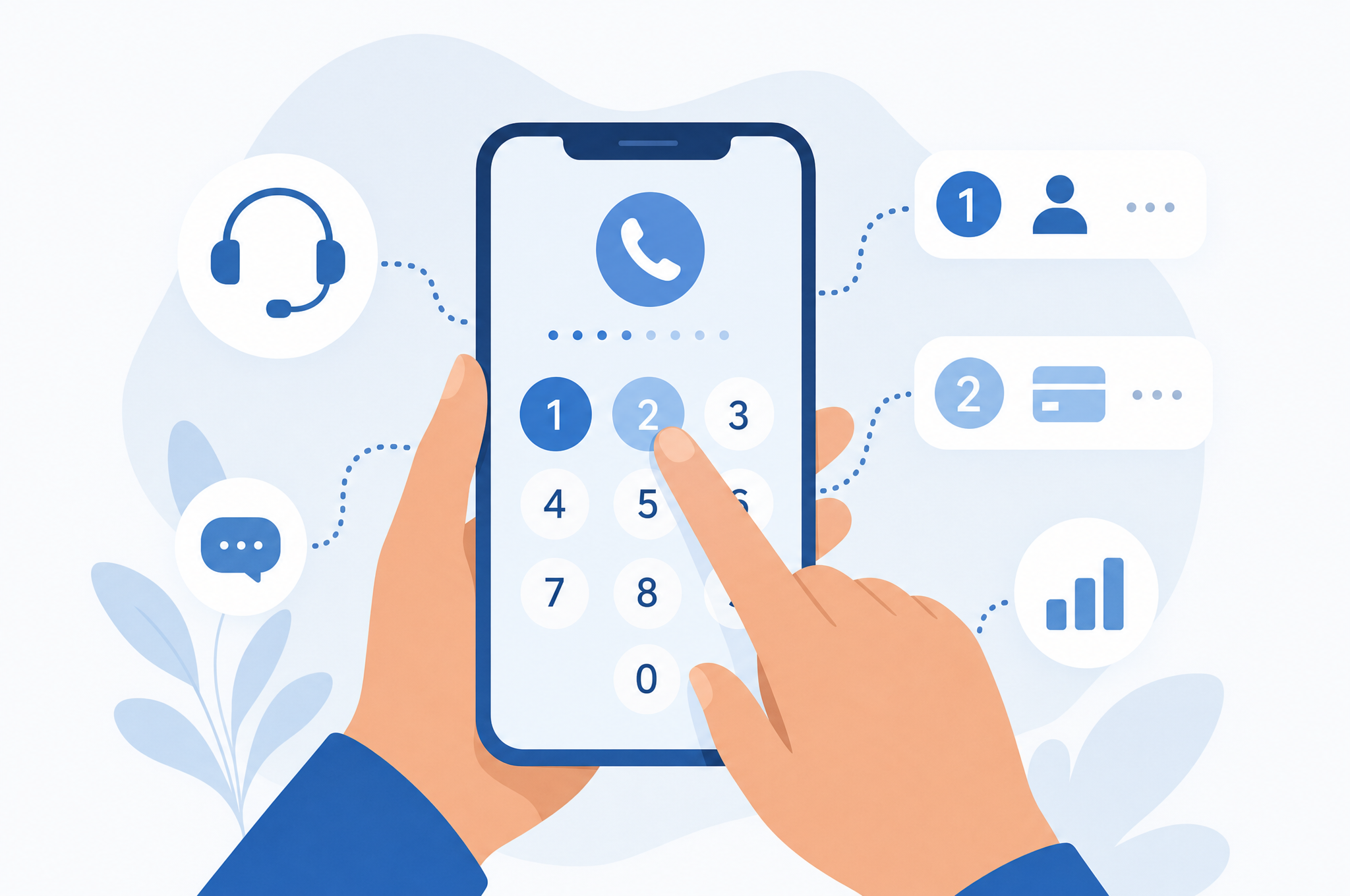
You know the feeling. You dial a company's support line because you have a genuine problem — a billing error, a canceled flight, a broken device — and instead of a person, you're greeted by a cheerful robot: "Please listen carefully as our menu options have changed." What follows is a labyrinth of press-this, say-that prompts that seem designed to prevent you from ever speaking to a human being.
Interactive Voice Response (IVR) systems aren't inherently evil. They route millions of calls efficiently and can resolve simple requests without human involvement. But when your issue is complex, urgent, or requires judgment, getting stuck in an IVR loop is maddening. This guide gives you a systematic approach to cutting through the automation and reaching a real representative.
Before calling any company, make sure you're dialing a verified number from the company's official website or app — not a number found in a web search. Scammers create fake support lines that mimic real companies. See our guide to spotting fake customer service numbers for details.
Understanding How IVR Systems Work
IVR systems use speech recognition and touch-tone input to categorize callers and route them to the appropriate department or self-service option. The system's primary goal is to resolve your issue without human intervention — which saves the company money. Most IVRs are configured to handle the top 80% of call reasons automatically.
The key insight is this: IVR systems are programmed with specific "escape routes" to human agents. These exist because some calls genuinely cannot be resolved by automation. Your job is to trigger those escape routes deliberately rather than wandering through menus hoping to find one.
Strategy 1: The Direct Approach — Say "Representative" or "Agent"
Most modern IVR systems support natural language input. Instead of listening to the entire menu, try saying one of these trigger phrases immediately:
- "Representative" — the most commonly supported trigger
- "Agent" — often equally effective
- "Customer service" — a broader trigger that may route you to a generalist
- "Operator" — old-school but still works at many companies
- "Human" — less common but some systems recognize it
If the system asks "What can I help you with today?" and you respond with "representative," many systems will either transfer you directly or ask a qualifying question before connecting you to an agent. If it says "I didn't understand that," repeat it clearly.
Strategy 2: Press Zero (Repeatedly)
On touch-tone systems, pressing "0" is the classic shortcut to reach an operator. Some companies have disabled this feature, but many still support it. If pressing 0 once doesn't work, try pressing it multiple times or pressing 0 at every prompt. This signals the system that you're not finding what you need.
Some IVRs route "0" presses to a general operator who may not be able to help with specific issues. If you reach someone, clearly state what you need so they can transfer you to the right department — a warm transfer is faster than starting over.
Strategy 3: Say Something Incomprehensible
This sounds counterintuitive, but it works. IVR systems that fail to understand your input after two or three attempts are typically programmed to transfer you to a human agent as a fallback. Try mumbling, saying "I don't know," or making a sound the system can't parse. After a few failed recognition attempts, the system gives up and connects you.
Strategy 4: Use the "Cancel" or "More Options" Path
Listen for options like "For anything else, press X" or "To speak to a representative, press Y." These are often buried at the end of the menu. If the initial menu doesn't mention an agent option, proceed to a submenu — the escape route is frequently in the second or third level of options.
Industry-Specific Tips
Airlines
Airline IVRs are notoriously complex because they handle everything from bookings to baggage claims. The fastest route to an agent:
- Say "agent" or "representative" at the first prompt
- If asked for your confirmation number, say "I don't have it" — this often triggers a transfer
- Calling during off-peak hours dramatically reduces both IVR complexity and wait times
Banks and Credit Cards
Financial institutions have security-focused IVRs that verify your identity before connecting you. To reach an agent:
- Enter your account number, then press 0 or say "representative"
- If you don't have your account number, say "I don't have my account number"
- For fraud disputes, look for a dedicated fraud line — these usually have shorter IVRs
Telecom Providers
Telecom companies (internet, mobile, cable) often have the longest IVR trees. Strategies that work:
- Say "cancel service" — you'll be routed to retention, who are typically empowered agents
- Use callback features if offered — many telecoms support virtual queuing
- If the IVR keeps looping, try calling from a different line and selecting a different department — they can transfer internally
Tech Companies
Many tech companies (streaming services, software, cloud platforms) prioritize chat and email over phone support. If you must call:
- Check whether the company even offers phone support — some only provide it for specific tiers or issues
- Have your account email and any error codes ready — the IVR may ask for them
- Consider social media support as a faster alternative for tech issues
What to Do Once You Reach a Human
Getting through the IVR is only half the battle. Once you're connected to an agent:
- State your issue clearly and concisely. Agents handle dozens of calls per shift — a clear summary helps them help you faster.
- Have your information ready. Account numbers, order numbers, dates, and previous reference numbers should be at your fingertips.
- Take notes. Write down the agent's name, the date and time, and any reference or case numbers. This documentation is crucial if you need to escalate your complaint later.
- Ask for escalation if needed. If the frontline agent can't resolve your issue, politely ask to be transferred to a supervisor or specialist.
- Get confirmation in writing. If a resolution is promised, ask for an email or written confirmation of what was agreed.
When Phone Support Isn't the Answer
Sometimes, fighting through an IVR isn't worth it. For complex issues that require documentation, written channels like email, chat, or support tickets create a paper trail that phone calls don't. For a comparison of which channels work best for which situations, see our guide on live chat vs. phone vs. email.
Similarly, if a company is unresponsive across all channels, you have options beyond the phone. Read our guide on your consumer rights when a company won't respond to learn about escalation paths through regulatory agencies.
No legitimate company representative will ask for your full Social Security number, bank password, or a one-time authentication code. If an "agent" requests this information, you may be speaking with an impostor. Hang up and call back using a number verified on the company's official website.
Summary: Your IVR Survival Kit
Here's the quick-reference version of everything above:
- Say "representative" or "agent" at the first prompt
- Press 0 — repeatedly if necessary
- Be intentionally unclear to trigger fallback to human
- Look for escape options in submenus
- For telecom, try "cancel service" to reach retention
- Always verify the phone number before calling
- Document everything once you reach an agent
IVR systems are a fact of modern customer service, but they don't have to be a wall. With the right strategies, you can reach a real human who can actually solve your problem — and do it without spending 30 minutes listening to hold music.